
It’s a Kanban board that groups just about anything into rows and columns – or what I still fondly call buckets. These can be to do lists, people in your organization, or almost anything. When I worked at ProPublica we used it to plan out a long, complicated story.
I recently used Trello to keep track of small bits of information carried in each chapter of my Data+Journalism textbook. Since we’re updating for a second edition, I wanted to make sure I was covering all these small points without repeating myself. I found myself opening Trello up for the first time in quite a while.
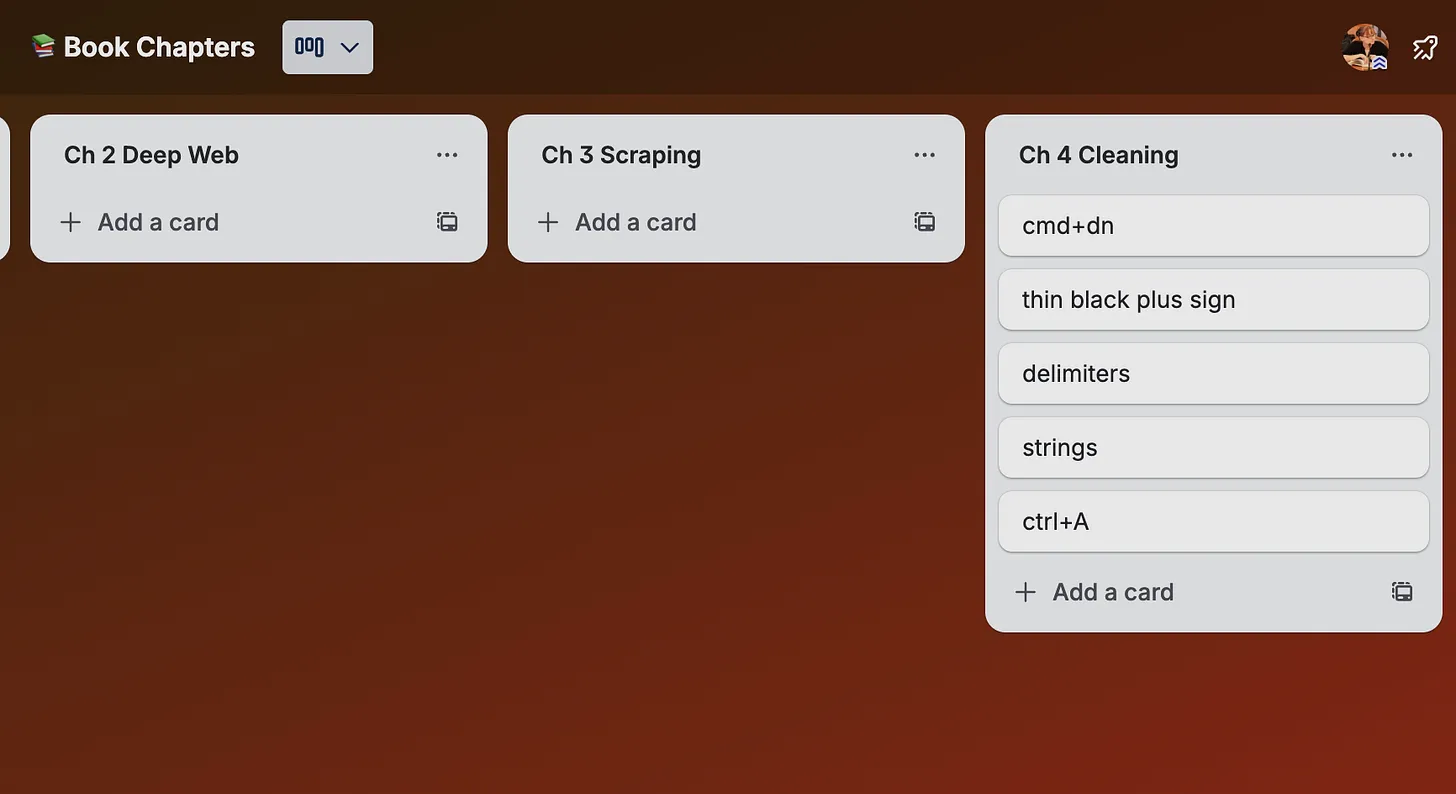
Despite having been around for a while, it’s still a popular tool. (I can’t say the same for all tools that came out more than a decade ago.) It offers a ton of varied and complex templates… but I confess that I always just use the plain version.
They also offer a suite of add-ons that they call “Butler.” It’s kind of like Zapier but built specifically in and for Trello. For instance, if you want an item to get moved to an “archive” bucket when you have checked it off, use Butler to create a Rule for this. The Rules can get very complex, like in Zapier or Outlook, so go crazy, reporters!